Create Request
To create a new request, go through the following 7 steps:
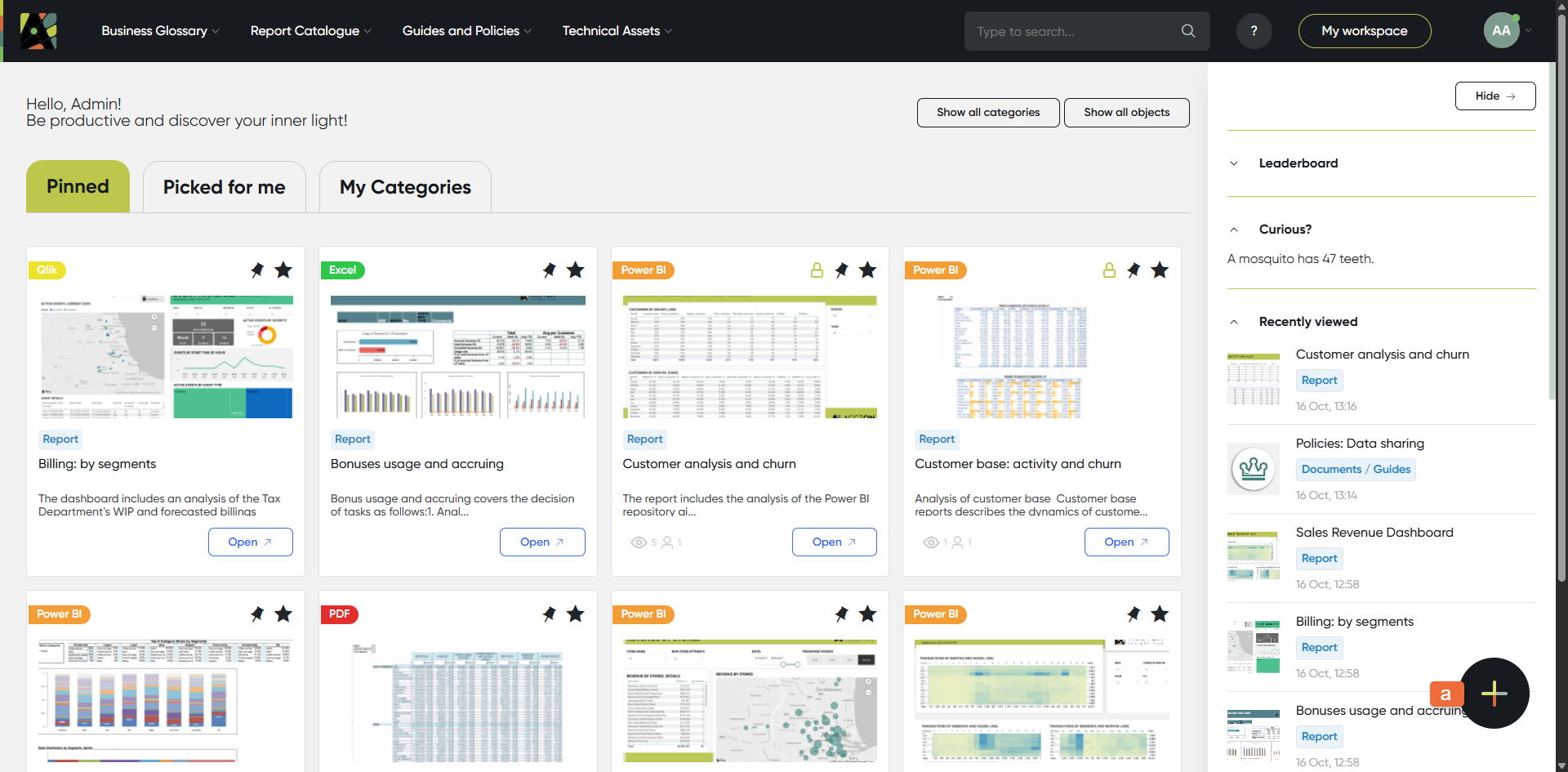
1. Push the 'Create' button
Click "+" button on any screen. (a)
The button is available through all pages.
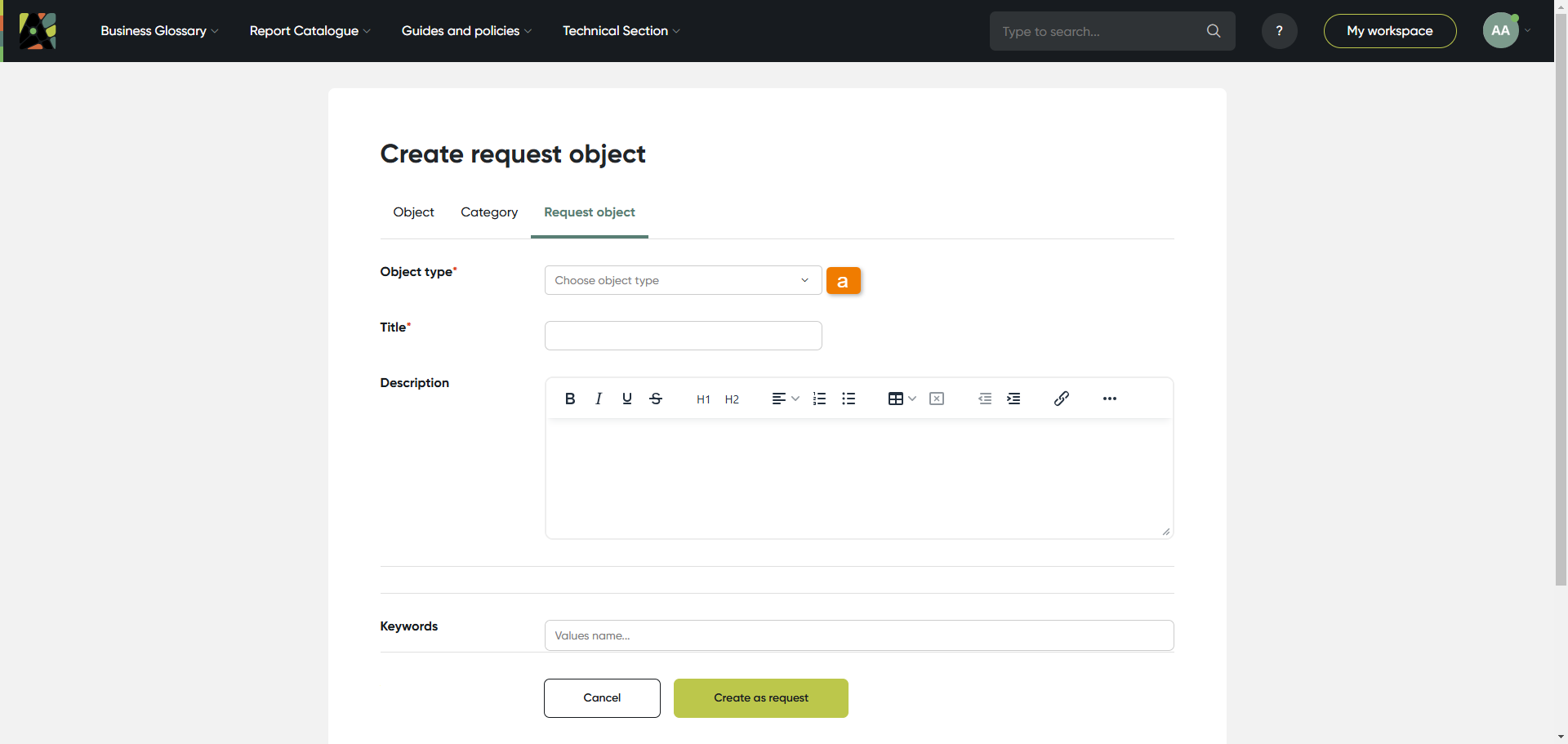
2. Select object type
In the field Object type select an object type you are going to create:
Click object type field and select object type from drop-down menu (a)
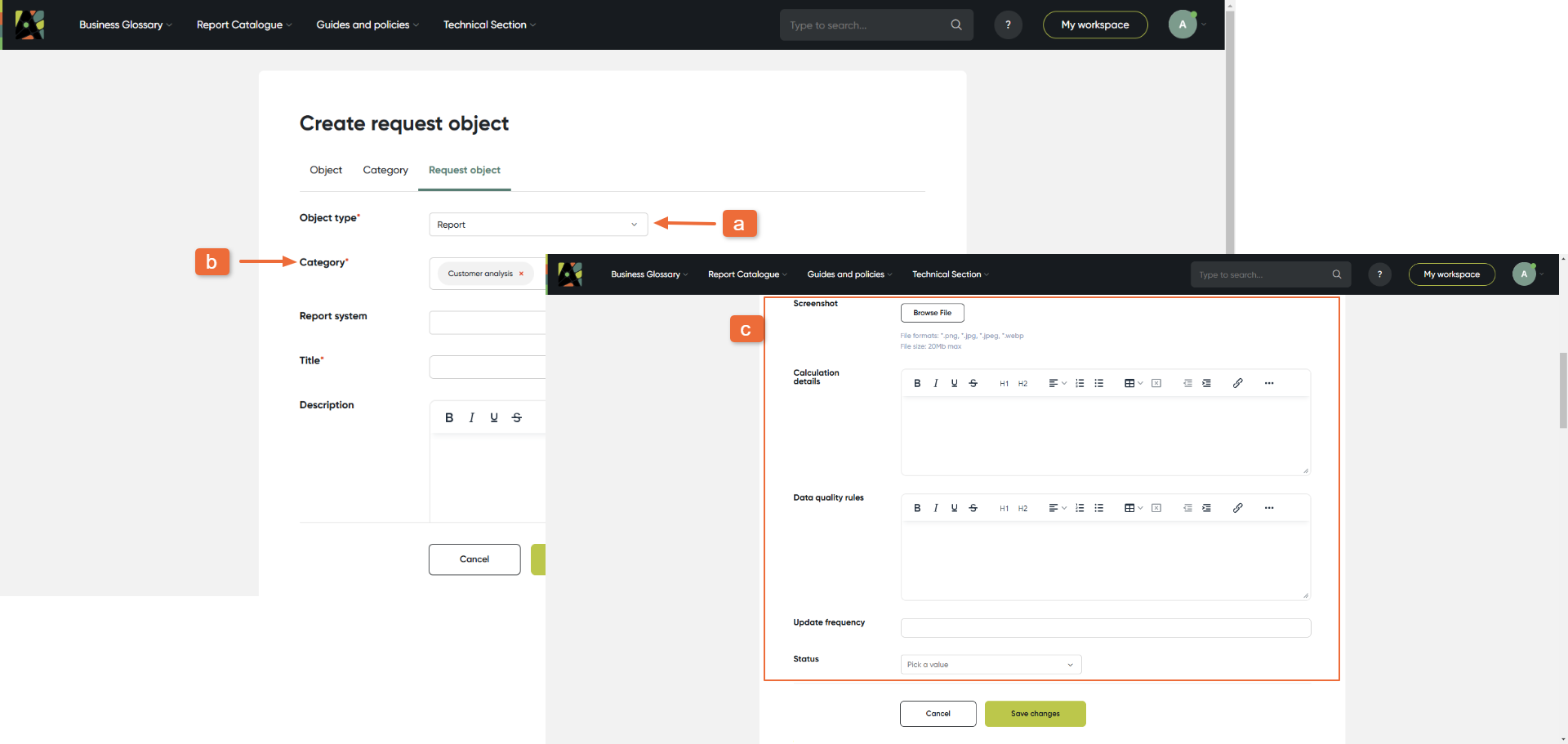
3. Attributes
As soon as the object type is selected you see the relevant set of attributes for this type.
Different attribute types exist in the application (check available attribute types here).
Fill attributes for an object:
(a) Object type you have selected
(b) The required fields are marked with "*", for example, “Category”
(c) Attributes for this object type
The Add Description field enables you to include custom text descriptions, links, and tables as needed.
4. Relations
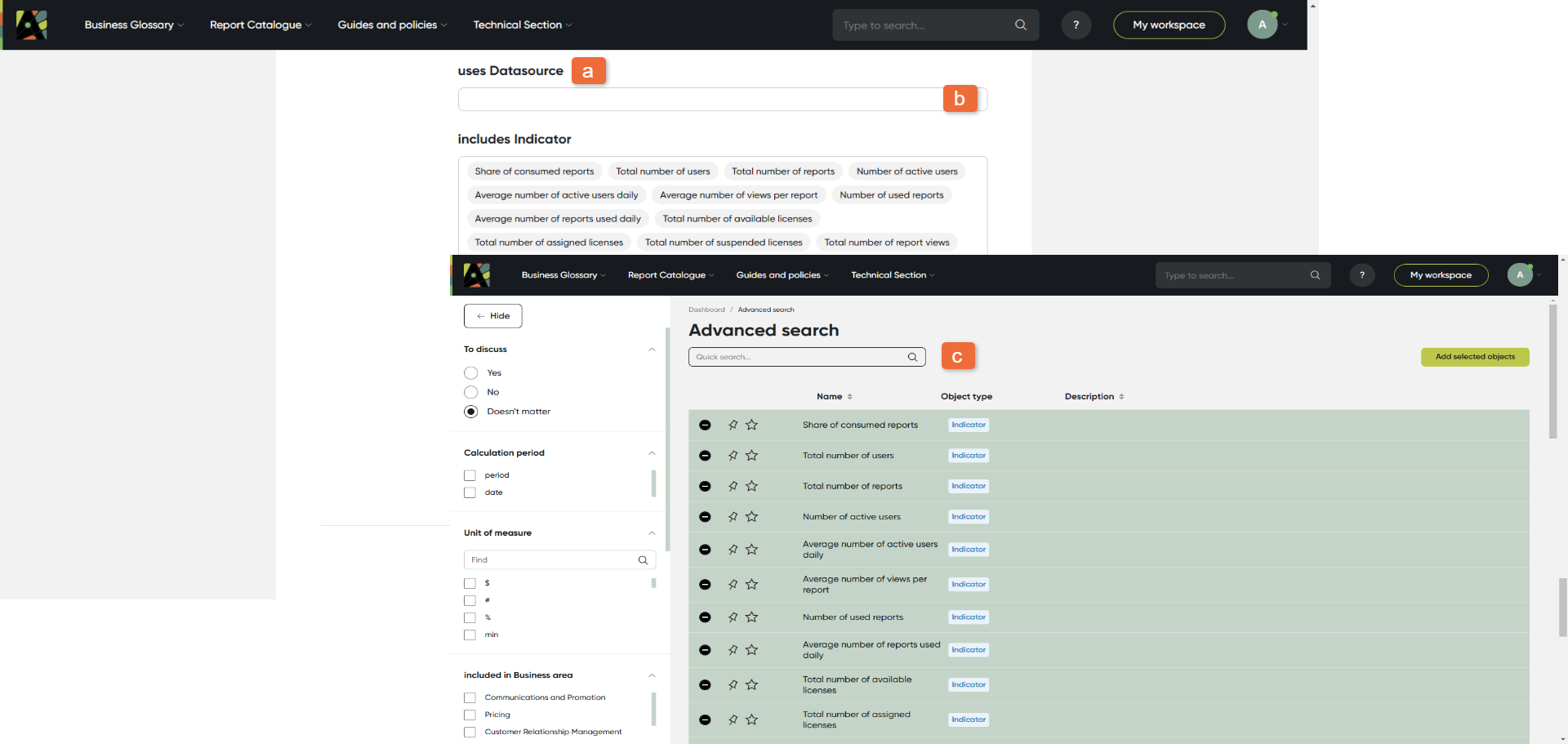
Scroll down to see the Relations section.
In this section define the object relations with all other objects. For this:
(a) See relation name; the related object type is always included in the relation name
(b) Click on the relation field and start typing; select the related object from the list
(c) You can use Advanced search in relations to check the list of objects of this type with all available filters
5. Responsibilities
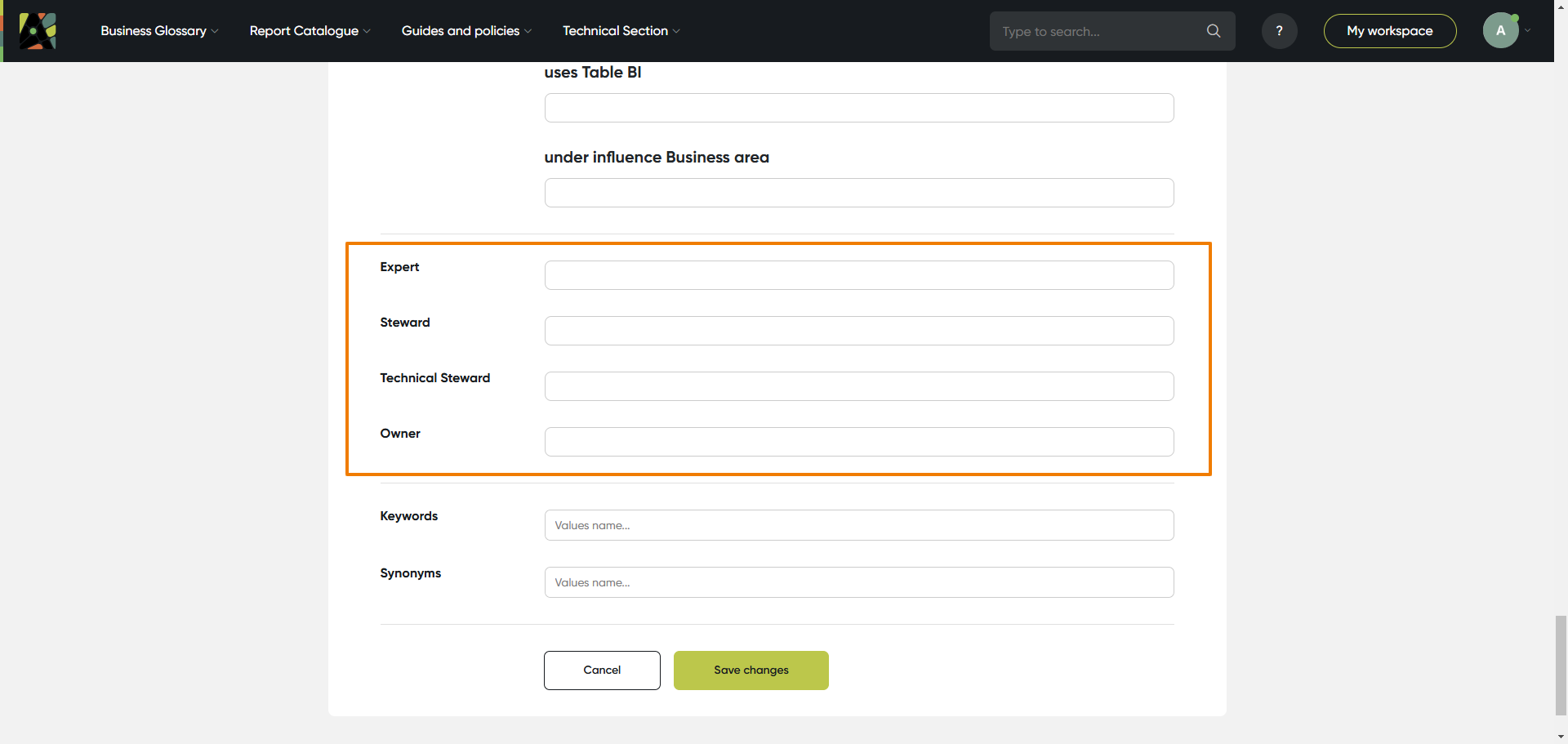
Define the people who are responsible for this object. There eight predefined roles: Expert, Steward, Technical Steward, Subscriber, Owner, Assignee, Reporter, Participant.
(a) Click on the field with the relevant role and start typing; select the person or a user group from the list
6. Keywords and synonyms
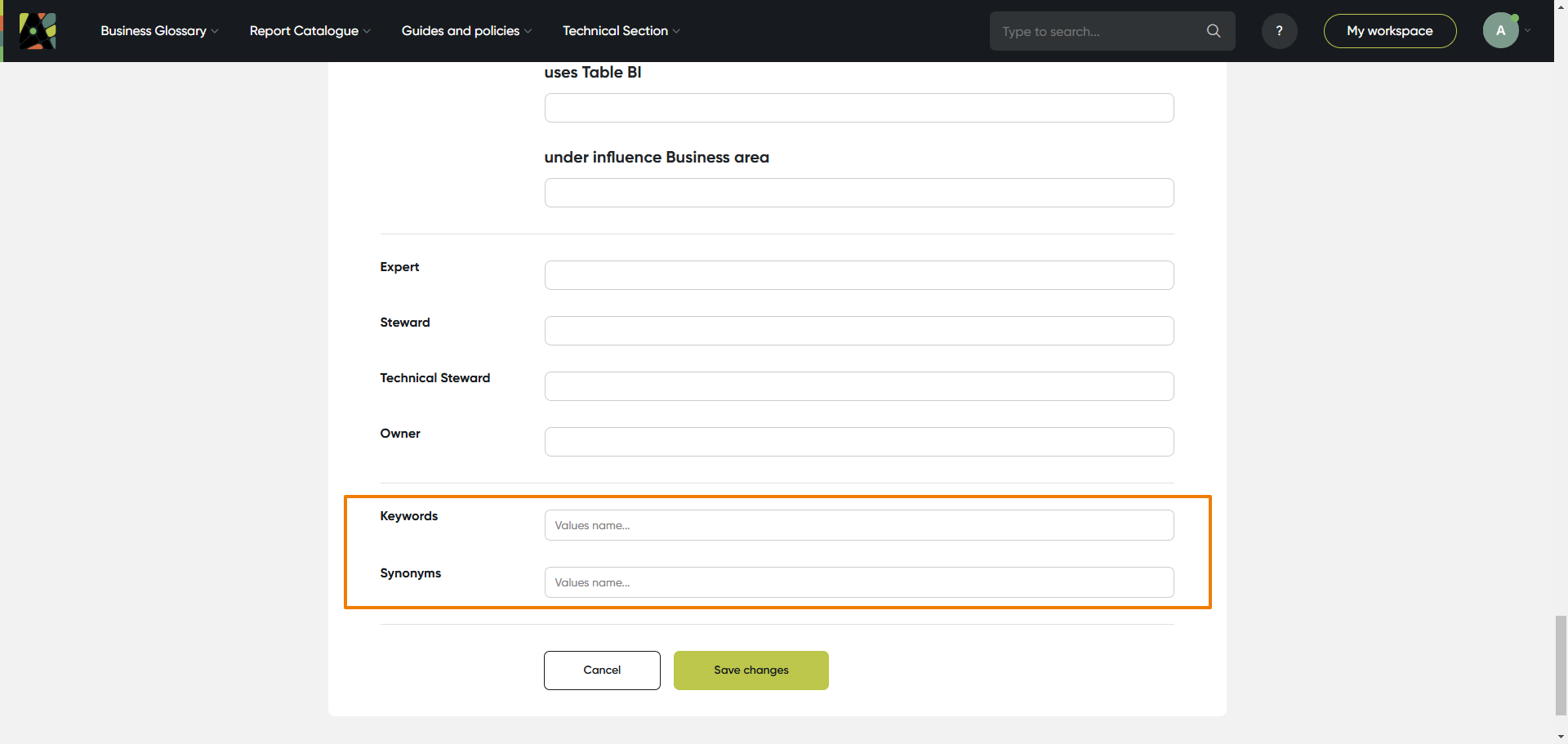
Add keywords and synonyms to improve search. Keywords are created as tags, synonyms – as text field
(a) Click on the field keywords; type keyword, click “enter”, then start typing the next one; for synonyms just type all relevant text
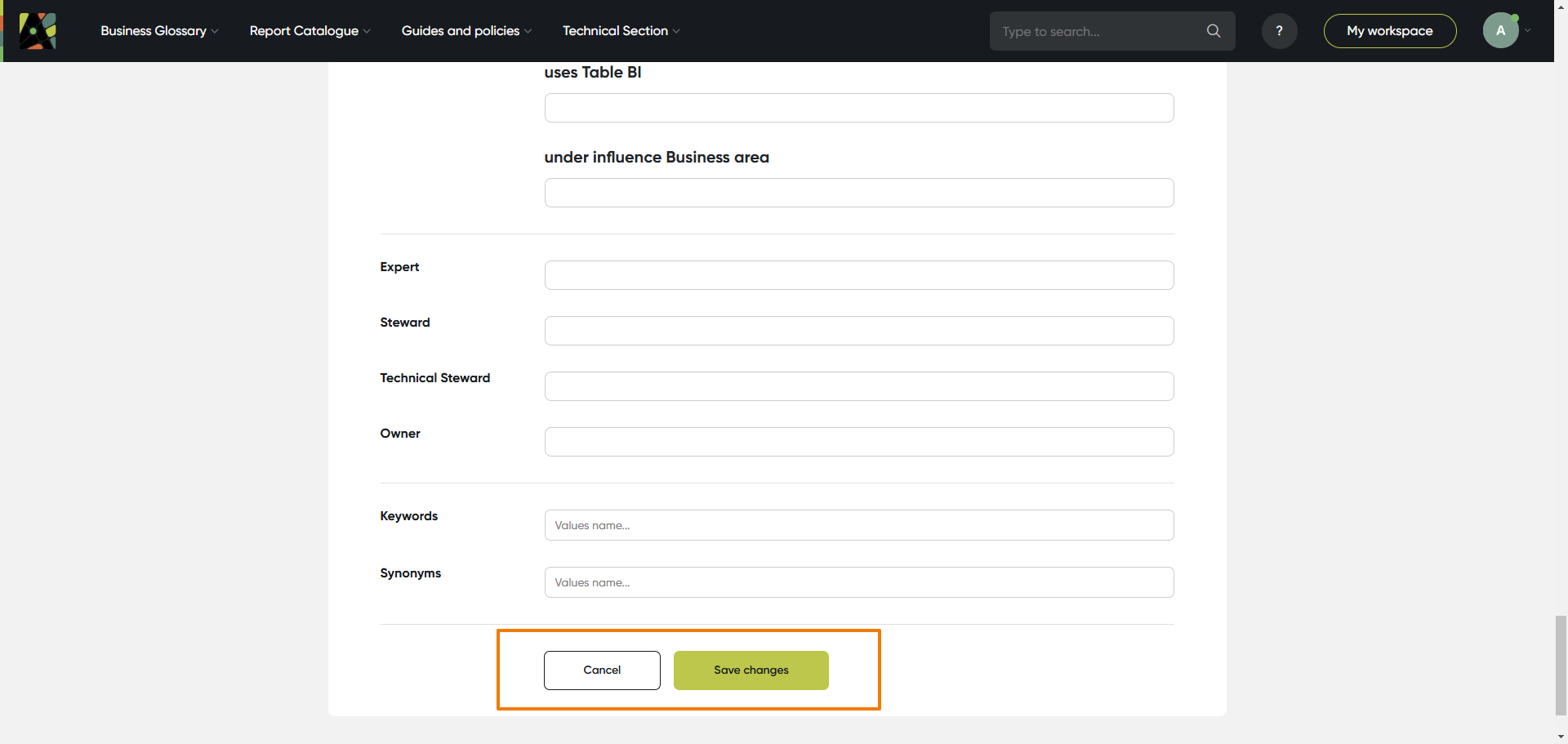
7. Save
Save the object by clicking the Save button
(a) Click the Save button to save changes; or cancel if you don’t want to save changes